Download 8xbet App: Mobile Betting Guide in Nigeria
Downloading the 8xbet app or using the mobile version gives you so much convenience. You are able to move from a fixture to your bet slip, follow a live market, check your balance or open the Cashier without going back to your laptop every time.
As an Android user, you get that experience when you download 8xbet app APK, directly from the official platform. If you’re an iPhone user, you can take 8xbet with you by following the mobile site through Safari and can even add a shortcut that can be saved to your phone’s Home Screen, without worrying about any APK or App Store installation. Either way, the same account stays with you.
This page covers the useful bits from start to finish: Android APK installation, iOS access, app features and updates.
Fancy Keeping 8xbet Closer? Set Up Mobile Access and and Take Your Account With You
Why You Should Use the 8xbet Mobile App
The strongest reason to use the app is that so much of your betting experience already happens on a phone.
Once signed in, the mobile experience brings sports markets, live betting, casino access, promotions and account management into one place. You can also view your balance and handle supported deposits and withdrawals from the same device.
If you’re a Nigerian bettor following football closely, you would enjoy this most especially once matches begin. A mobile interface is easier to keep within reach while odds and live markets are changing, and 8xbet offers you faster access and notifications among other benefits of its app experience.
There’s also the question every Nigerian mobile user understands which is data.
The app is built around a mobile interface, which can make regular navigation feel leaner than repeatedly loading full browser pages. However, what you actually consume comes down to how you use the platform.
Getting notifications on your phone can also keep account or betting activity closer at hand when they are supported and enabled on your device. You remain in control of which alerts your phone allows.
With the phone in your hand, you can check out what you can bet on once you’re inside. You can easily check out 8xbet sports betting and go deeper into the markets and live options.
How to Download 8xbet App for Android (APK Guide)
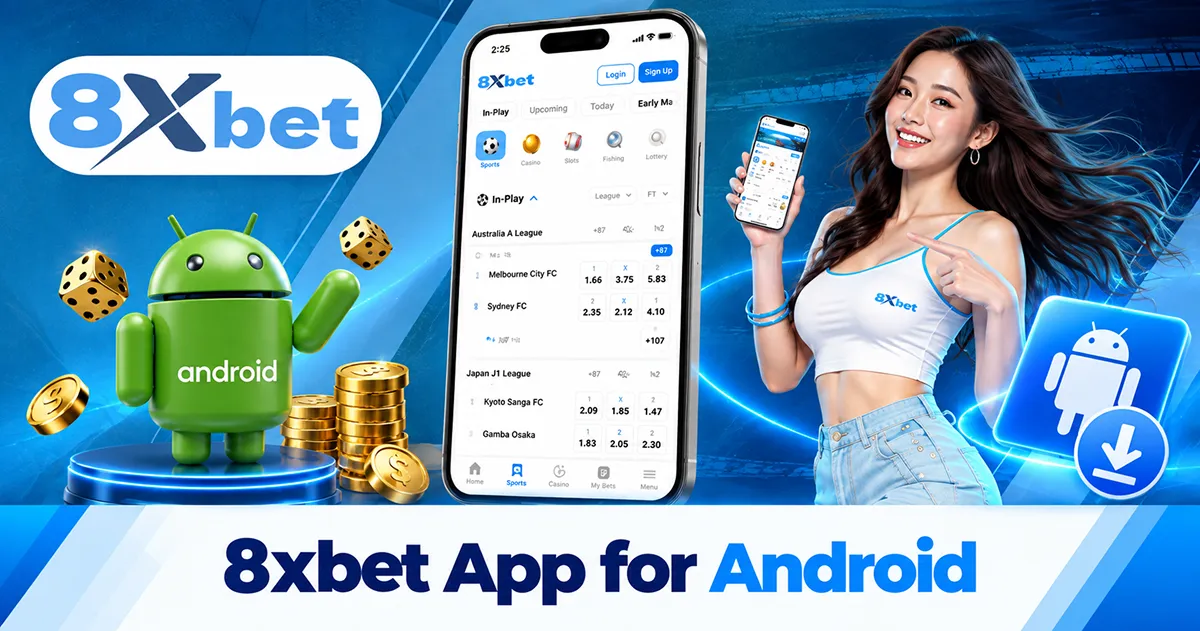
The 8xbet Android app currently comes as an APK from the platform instead of a Google Play download. That means your browser first downloads the installer file, then Android asks for permission before it lets that file become an app.
This is no cause for worry for you because direct APK distribution isn’t unusual for betting products because availability can differ by operator and market. What matters is where the file comes from. Google warns that software from unfamiliar sources can create security risks, therefore, getting your 8xbet APK from the official source is particularly important.
For 8xbet, the clean route is:
- Open the official 8xbet website on your Android phone and find the app-download area.
- Select the Android option to download the 8xbet APK.
- When Android asks for permission to install an app from that browser or file source, open the permission screen.
- Allow the installation, return to the downloaded APK and continue.
- Once installation finishes, open 8xbet and sign in with your existing account details.
If you haven’t opened an account yet, you can take care of that first through 8xbet Sign Up and then use the same profile on the app.
Enabling "Unknown Sources" for Installation
Android normally stops outside-store apps from installing without your permission.
On many current devices, the phone will take you to an Install unknown apps screen and ask whether the particular browser or file manager can install the APK. Android’s own documentation confirms that this permission is tied to the source on newer devices, although exact menu wording can vary between manufacturers.
There is no need to switch off Google Play Protect to install an APK. Keep your normal Android security features running, approve only the source you intentionally used, and avoid copies of the 8xbet Android app arriving through random download sites, Telegram files or unfamiliar links.
Installing the 8xbet Android App
Once the APK has finished downloading, Android will usually leave it in your Downloads folder or show it in the download notification.
Open the file, review the installation prompt and continue. When the installation completes, the 8xbet icon appears with your other apps.
From there, existing users can sign in. Your mobile account is not separate from the profile you already use elsewhere; the same credentials carry across compatible devices.
Accessing 8xbet on iPhone and iOS Devices
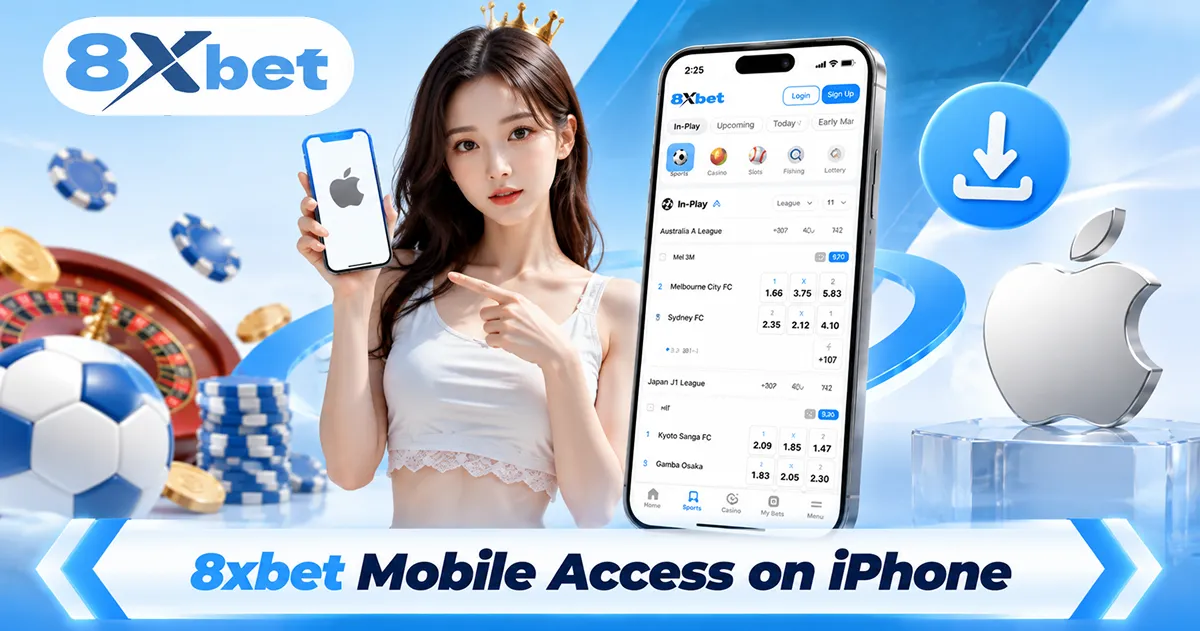
If you came here searching for an 8xbet iPhone app, there’s an important difference to know before looking through the App Store.
There is currently no listed dedicated App Store version. If you’re an iPhone or iPad user, redirect to the mobile website instead, where sports betting, casino access, account management and payments remain available.
Safari also lets you give the site its own place on your Home Screen:
- Open 8xbet in Safari.
- Tap Share.
- Choose Add to Home Screen.
- Confirm Add.
Apple supports this feature and can open compatible sites in a web-app style from the Home Screen.
So there is no APK to install on the iPhone and no Android-style “unknown sources” step. Your browser is the access point.
8xbet App vs Mobile Browser: Which Feels Better?
You don’t actually need an installed app just to bet from your phone.
The mobile browser and Android application both reach the core platform, including sports, live betting, casino play, deposits, withdrawals and account management. The difference is mainly how you prefer to get there.
The app works for you if 8xbet is somewhere you expect to return to regularly and you like a dedicated interface sitting on your phone.
The browser is appealing for a different reason because there’s nothing to install. It can be useful when storage is tight, when you move between devices, or when you simply prefer keeping apps to a minimum.
Chrome works well for standard browser access, and lighter browsers such as Opera Mini may appeal to you if you are already comfortable using them on Nigerian mobile networks.
Performance and data consumption however still vary based on the browser, connection and parts of the platform you open.
Neither choice creates another betting account. Your existing login follows you between supported access routes.
Managing Your Account and Funds on the App
A betting app becomes much less convenient if everything involving your money still sends you somewhere else.
From the 8xbet mobile app, you can view your balance and access supported deposit and withdrawal options from your account. The same core payment functions are also available through mobile web.
That means the journey can stay on one device: find your market, manage the account and open the Cashier when you need it.
Available methods and transaction limits can change by payment option, so the Cashier is the best place to see what applies to the method you’re actually using.
Keeping the 8xbet App Current
Apps change over time. Updates can bring bug fixes, interface changes or new features, so keeping an old APK indefinitely is not ideal.
For Android, return to the recognised 8xbet app-download page when you need the 8xbet app latest version.
Avoid chasing “newer” copies on third-party APK sites simply because their version number looks impressive. An altered or outdated installer is a poor trade for getting an update a little earlier.
iPhone users have less to manage here because mobile access comes through the website. Updates to the web experience arrive through the site itself instead of a manually installed APK.
8xbet App Frequently Asked Questions
Is it safe to download the 8xbet APK file to my phone?
Use the recognised 8xbet download route for the APK and keep Android’s normal security protections active. Google warns that apps from unknown sources can expose a device or personal information to extra risk.
Do I need a separate account if I switch from desktop to the 8xbet mobile app?
No. The same 8xbet account can be used across compatible desktop and mobile access, so your login details and account activity stay connected.
Why is my Android device blocking the 8xbet app download?
Android may be waiting for permission to install an app from the browser or file source you used. The phone can also block a damaged or incomplete APK, so check that the download finished correctly before trying again.
Does the 8xbet Android app consume a lot of mobile data?
Browsing markets and account pages is generally lighter than media-heavy activities such as live casino or streaming, so your actual data use follows what you do inside the platform.
How do I update to the 8xbet app latest version?
Return to the official 8xbet app-download area when a newer Android release is available and use the current APK provided there. Avoid “updated” copies from unofficial download pages, even when they claim to have a newer version.
Ready to Bring 8xbet Onto Your Phone? Get the Android APK or Open the Mobile Site on iPhone and Keep Your Account Within Reach